Best Way to Translate Video and Download Audio Tracks | Perso AI




Jump to section
Jump to section

Share
Share
Share
AI Video Translator, Localization, and Dubbing Tool
Try it out for Free
To translate a video and download its audio tracks, upload your content to Perso AI, select from 33+ languages, and export your dubbed audio as a voice-only file, a full audio track with background music, or an .srt subtitle file — all from a single workflow.
Perso AI is an AI dubbing and audio export platform that uses voice cloning to preserve the original speaker's tone and delivery across every language. This guide covers the complete process for creators who want translated audio they can actually use — on podcasts, YouTube's multi-audio feature, or any platform where audio travels separately from video.
Why Translated Audio Tracks Matter for Global Distribution
Most video creators think about localization in terms of visuals: subtitles on screen, or a dubbed video file. But audio tracks are a separate distribution channel that many platforms now support natively.
YouTube's multi-audio track feature lets viewers switch between language versions without watching a different video. Podcast platforms accept standalone audio files that can be distributed to international directories. Corporate platforms and e-learning systems often require separated audio tracks for accessibility compliance.
Perso AI serves 460,000+ users across more than 80 countries, and a common use case is creators who want to repurpose a single video recording into multiple language audio tracks — without producing separate video files for each market. This approach reduces production overhead while expanding reach.
Step-by-Step: How to Translate a Video and Download Audio Tracks
Perso AI is an AI-powered translation and audio export platform that processes voice cloning, language translation, and audio separation in four steps. Here is the complete workflow:
Step 1 — Upload Your Video or Paste a URL
Upload a video file directly to Perso AI, or paste a link from YouTube, TikTok, or Google Drive. Perso AI analyzes the audio to capture vocal characteristics — pacing, intonation, and delivery style — that will carry through into the translated output.
Step 2 — Select Your Target Languages
Choose from 33+ supported languages. The same source video can be processed into multiple language versions, making it practical to create audio tracks for several regional markets from a single upload.
Step 3 — Voice Cloning Across Languages
Perso AI replicates the speaker's voice characteristics in the target language. The output is not a generic text-to-speech voice — it is a voice-cloned version that preserves the original speaker's tone, rhythm, and emphasis in the new language. For videos with multiple speakers, Perso AI automatically detects and separately clones up to 10 distinct voices.
Step 4 — Export Your Audio Tracks
Download your translated content in the format your distribution channel requires:
Voice-Only Track — The cloned voice with no background audio. Ideal for uploading to YouTube's multi-audio feature or submitting to podcast directories as a standalone episode.
Full Audio with Background Music — Background music and sound effects are preserved; only the spoken content is replaced with the voice-cloned translation. Useful when the audio atmosphere is part of the content's identity.
MP3 File — Standard audio format compatible with podcast platforms, corporate intranets, and e-learning systems.
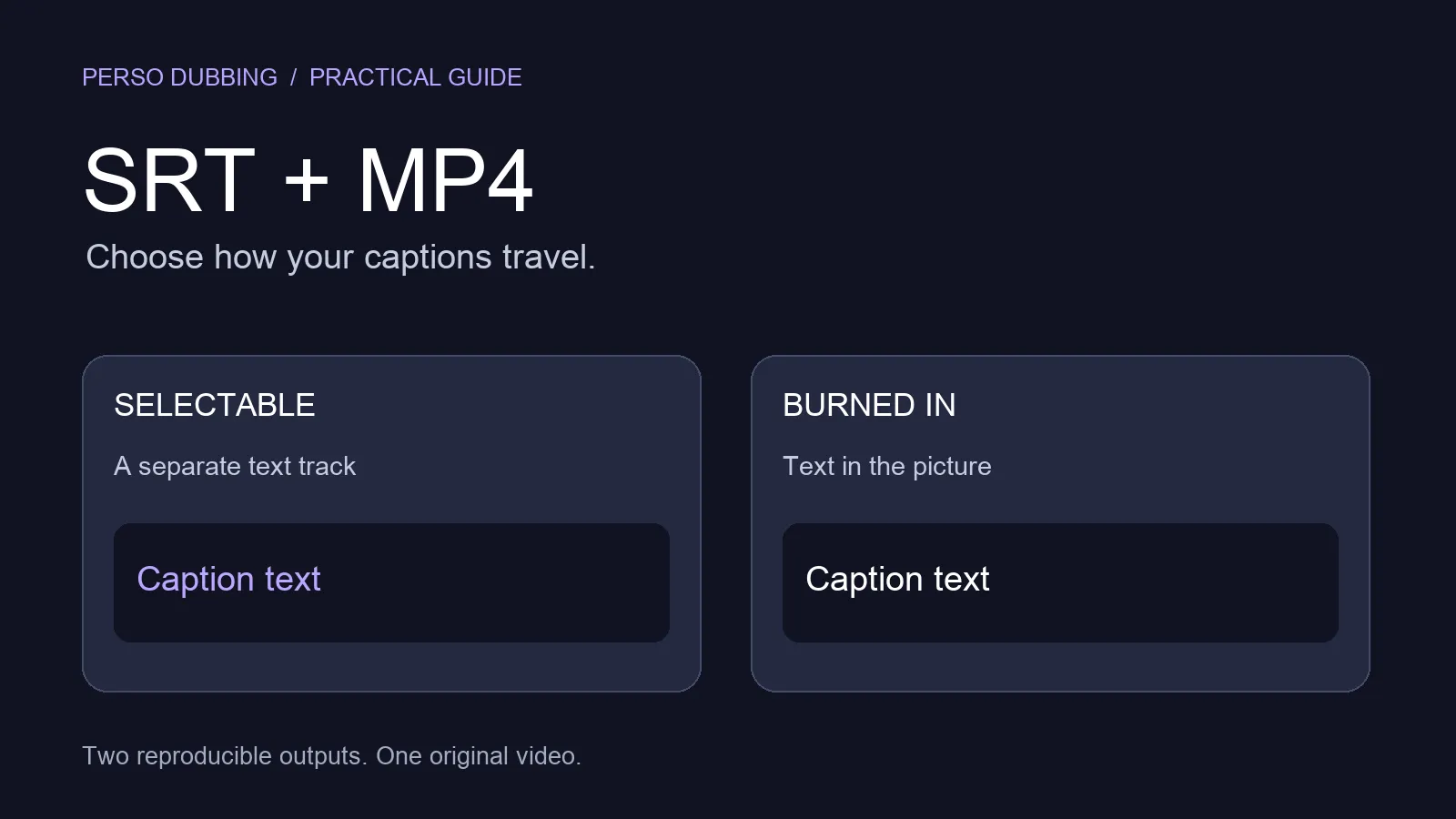
SRT Subtitle File — Downloadable captions for accessibility and additional indexability on video platforms.
Try Perso AI free — translate your first video and download audio tracks today → Perso AI
Audio Track Export vs. Full Video Dubbing: Which Do You Need?
Perso AI supports both workflows. The right choice depends on how your audience will consume the translated content.
Use Case | Recommended Output | Why |
|---|---|---|
YouTube multi-language channel | Voice-only track | Upload as secondary audio; viewers switch language in player |
Podcast repurposing | MP3 voice-only | Distribute as separate episode to international directories |
Corporate training or e-learning | Full dubbed video | Learners need visual + audio together |
Social media short-form | Full dubbed video with lip-sync | Visual identity matters on TikTok, Instagram Reels |
Audiobook or narration | Voice-only track | No video component required |
Webinar replay | Full audio with background music | Preserves production atmosphere |
If your primary goal is a localized video file with lip-sync applied, see How to Dub a Video in Another Language. This guide focuses on the audio extraction and export workflow.
Who Uses Translated Audio Tracks
Perso AI's audio export feature is used across three primary contexts:
Content Creators — YouTubers and podcast producers who want to expand into non-English markets by uploading voice-cloned audio tracks alongside their original content, without creating separate video productions for each language.
Marketing and Brand Teams — Teams producing video ads, product demos, or executive communications that need translated audio versions for regional campaigns or internal distribution across global offices.
Education and Training Platforms — Course creators and L&D teams who need translated narration tracks for e-learning modules, where the video visuals remain the same but the spoken content must be localized for each learner cohort.
Perso AI supports up to 10 speakers per video, which means interviews, panel discussions, and multi-instructor courses can all be processed in a single workflow — with each speaker's voice cloned separately in the target language.
Start for free — no credit card required → Perso AI
Frequently Asked Questions
What is the best way to translate a video and download the audio separately? Upload your video to Perso AI, select your target language from 33+ options, and export a voice-only audio track or full audio with background music. The platform uses voice cloning — not generic text-to-speech — so the exported audio sounds like the original speaker in the new language.
Can I download just the voice without background music? Yes. Perso AI offers two audio export options: a voice-only track with no background audio, and a full audio file that preserves background music and sound effects while replacing only the spoken content. Choose based on your distribution platform's requirements.
Will the translated audio sound like the original speaker? Yes. Perso AI uses voice cloning technology that captures the original speaker's tone, pacing, and delivery style. The result is not a generic synthesized voice — it preserves the speaker's vocal identity in the target language. This applies to all 33+ supported languages.
Can I use the exported audio for a podcast in another language? Yes. Perso AI exports MP3 audio files compatible with podcast hosting platforms. You can upload the voice-only track as a separate episode in the target language and distribute it to international podcast directories independently from your video content.
Does Perso AI work for videos with multiple speakers? Yes. Perso AI automatically detects up to 10 distinct speakers per video and creates a separate voice clone for each in the target language. This makes it practical for interviews, panel discussions, webinars, and multi-instructor course content.
To translate a video and download its audio tracks, upload your content to Perso AI, select from 33+ languages, and export your dubbed audio as a voice-only file, a full audio track with background music, or an .srt subtitle file — all from a single workflow.
Perso AI is an AI dubbing and audio export platform that uses voice cloning to preserve the original speaker's tone and delivery across every language. This guide covers the complete process for creators who want translated audio they can actually use — on podcasts, YouTube's multi-audio feature, or any platform where audio travels separately from video.
Why Translated Audio Tracks Matter for Global Distribution
Most video creators think about localization in terms of visuals: subtitles on screen, or a dubbed video file. But audio tracks are a separate distribution channel that many platforms now support natively.
YouTube's multi-audio track feature lets viewers switch between language versions without watching a different video. Podcast platforms accept standalone audio files that can be distributed to international directories. Corporate platforms and e-learning systems often require separated audio tracks for accessibility compliance.
Perso AI serves 460,000+ users across more than 80 countries, and a common use case is creators who want to repurpose a single video recording into multiple language audio tracks — without producing separate video files for each market. This approach reduces production overhead while expanding reach.
Step-by-Step: How to Translate a Video and Download Audio Tracks
Perso AI is an AI-powered translation and audio export platform that processes voice cloning, language translation, and audio separation in four steps. Here is the complete workflow:
Step 1 — Upload Your Video or Paste a URL
Upload a video file directly to Perso AI, or paste a link from YouTube, TikTok, or Google Drive. Perso AI analyzes the audio to capture vocal characteristics — pacing, intonation, and delivery style — that will carry through into the translated output.
Step 2 — Select Your Target Languages
Choose from 33+ supported languages. The same source video can be processed into multiple language versions, making it practical to create audio tracks for several regional markets from a single upload.
Step 3 — Voice Cloning Across Languages
Perso AI replicates the speaker's voice characteristics in the target language. The output is not a generic text-to-speech voice — it is a voice-cloned version that preserves the original speaker's tone, rhythm, and emphasis in the new language. For videos with multiple speakers, Perso AI automatically detects and separately clones up to 10 distinct voices.
Step 4 — Export Your Audio Tracks
Download your translated content in the format your distribution channel requires:
Voice-Only Track — The cloned voice with no background audio. Ideal for uploading to YouTube's multi-audio feature or submitting to podcast directories as a standalone episode.
Full Audio with Background Music — Background music and sound effects are preserved; only the spoken content is replaced with the voice-cloned translation. Useful when the audio atmosphere is part of the content's identity.
MP3 File — Standard audio format compatible with podcast platforms, corporate intranets, and e-learning systems.
SRT Subtitle File — Downloadable captions for accessibility and additional indexability on video platforms.
Try Perso AI free — translate your first video and download audio tracks today → Perso AI
Audio Track Export vs. Full Video Dubbing: Which Do You Need?
Perso AI supports both workflows. The right choice depends on how your audience will consume the translated content.
Use Case | Recommended Output | Why |
|---|---|---|
YouTube multi-language channel | Voice-only track | Upload as secondary audio; viewers switch language in player |
Podcast repurposing | MP3 voice-only | Distribute as separate episode to international directories |
Corporate training or e-learning | Full dubbed video | Learners need visual + audio together |
Social media short-form | Full dubbed video with lip-sync | Visual identity matters on TikTok, Instagram Reels |
Audiobook or narration | Voice-only track | No video component required |
Webinar replay | Full audio with background music | Preserves production atmosphere |
If your primary goal is a localized video file with lip-sync applied, see How to Dub a Video in Another Language. This guide focuses on the audio extraction and export workflow.
Who Uses Translated Audio Tracks
Perso AI's audio export feature is used across three primary contexts:
Content Creators — YouTubers and podcast producers who want to expand into non-English markets by uploading voice-cloned audio tracks alongside their original content, without creating separate video productions for each language.
Marketing and Brand Teams — Teams producing video ads, product demos, or executive communications that need translated audio versions for regional campaigns or internal distribution across global offices.
Education and Training Platforms — Course creators and L&D teams who need translated narration tracks for e-learning modules, where the video visuals remain the same but the spoken content must be localized for each learner cohort.
Perso AI supports up to 10 speakers per video, which means interviews, panel discussions, and multi-instructor courses can all be processed in a single workflow — with each speaker's voice cloned separately in the target language.
Start for free — no credit card required → Perso AI
Frequently Asked Questions
What is the best way to translate a video and download the audio separately? Upload your video to Perso AI, select your target language from 33+ options, and export a voice-only audio track or full audio with background music. The platform uses voice cloning — not generic text-to-speech — so the exported audio sounds like the original speaker in the new language.
Can I download just the voice without background music? Yes. Perso AI offers two audio export options: a voice-only track with no background audio, and a full audio file that preserves background music and sound effects while replacing only the spoken content. Choose based on your distribution platform's requirements.
Will the translated audio sound like the original speaker? Yes. Perso AI uses voice cloning technology that captures the original speaker's tone, pacing, and delivery style. The result is not a generic synthesized voice — it preserves the speaker's vocal identity in the target language. This applies to all 33+ supported languages.
Can I use the exported audio for a podcast in another language? Yes. Perso AI exports MP3 audio files compatible with podcast hosting platforms. You can upload the voice-only track as a separate episode in the target language and distribute it to international podcast directories independently from your video content.
Does Perso AI work for videos with multiple speakers? Yes. Perso AI automatically detects up to 10 distinct speakers per video and creates a separate voice clone for each in the target language. This makes it practical for interviews, panel discussions, webinars, and multi-instructor course content.
To translate a video and download its audio tracks, upload your content to Perso AI, select from 33+ languages, and export your dubbed audio as a voice-only file, a full audio track with background music, or an .srt subtitle file — all from a single workflow.
Perso AI is an AI dubbing and audio export platform that uses voice cloning to preserve the original speaker's tone and delivery across every language. This guide covers the complete process for creators who want translated audio they can actually use — on podcasts, YouTube's multi-audio feature, or any platform where audio travels separately from video.
Why Translated Audio Tracks Matter for Global Distribution
Most video creators think about localization in terms of visuals: subtitles on screen, or a dubbed video file. But audio tracks are a separate distribution channel that many platforms now support natively.
YouTube's multi-audio track feature lets viewers switch between language versions without watching a different video. Podcast platforms accept standalone audio files that can be distributed to international directories. Corporate platforms and e-learning systems often require separated audio tracks for accessibility compliance.
Perso AI serves 460,000+ users across more than 80 countries, and a common use case is creators who want to repurpose a single video recording into multiple language audio tracks — without producing separate video files for each market. This approach reduces production overhead while expanding reach.
Step-by-Step: How to Translate a Video and Download Audio Tracks
Perso AI is an AI-powered translation and audio export platform that processes voice cloning, language translation, and audio separation in four steps. Here is the complete workflow:
Step 1 — Upload Your Video or Paste a URL
Upload a video file directly to Perso AI, or paste a link from YouTube, TikTok, or Google Drive. Perso AI analyzes the audio to capture vocal characteristics — pacing, intonation, and delivery style — that will carry through into the translated output.
Step 2 — Select Your Target Languages
Choose from 33+ supported languages. The same source video can be processed into multiple language versions, making it practical to create audio tracks for several regional markets from a single upload.
Step 3 — Voice Cloning Across Languages
Perso AI replicates the speaker's voice characteristics in the target language. The output is not a generic text-to-speech voice — it is a voice-cloned version that preserves the original speaker's tone, rhythm, and emphasis in the new language. For videos with multiple speakers, Perso AI automatically detects and separately clones up to 10 distinct voices.
Step 4 — Export Your Audio Tracks
Download your translated content in the format your distribution channel requires:
Voice-Only Track — The cloned voice with no background audio. Ideal for uploading to YouTube's multi-audio feature or submitting to podcast directories as a standalone episode.
Full Audio with Background Music — Background music and sound effects are preserved; only the spoken content is replaced with the voice-cloned translation. Useful when the audio atmosphere is part of the content's identity.
MP3 File — Standard audio format compatible with podcast platforms, corporate intranets, and e-learning systems.
SRT Subtitle File — Downloadable captions for accessibility and additional indexability on video platforms.
Try Perso AI free — translate your first video and download audio tracks today → Perso AI
Audio Track Export vs. Full Video Dubbing: Which Do You Need?
Perso AI supports both workflows. The right choice depends on how your audience will consume the translated content.
Use Case | Recommended Output | Why |
|---|---|---|
YouTube multi-language channel | Voice-only track | Upload as secondary audio; viewers switch language in player |
Podcast repurposing | MP3 voice-only | Distribute as separate episode to international directories |
Corporate training or e-learning | Full dubbed video | Learners need visual + audio together |
Social media short-form | Full dubbed video with lip-sync | Visual identity matters on TikTok, Instagram Reels |
Audiobook or narration | Voice-only track | No video component required |
Webinar replay | Full audio with background music | Preserves production atmosphere |
If your primary goal is a localized video file with lip-sync applied, see How to Dub a Video in Another Language. This guide focuses on the audio extraction and export workflow.
Who Uses Translated Audio Tracks
Perso AI's audio export feature is used across three primary contexts:
Content Creators — YouTubers and podcast producers who want to expand into non-English markets by uploading voice-cloned audio tracks alongside their original content, without creating separate video productions for each language.
Marketing and Brand Teams — Teams producing video ads, product demos, or executive communications that need translated audio versions for regional campaigns or internal distribution across global offices.
Education and Training Platforms — Course creators and L&D teams who need translated narration tracks for e-learning modules, where the video visuals remain the same but the spoken content must be localized for each learner cohort.
Perso AI supports up to 10 speakers per video, which means interviews, panel discussions, and multi-instructor courses can all be processed in a single workflow — with each speaker's voice cloned separately in the target language.
Start for free — no credit card required → Perso AI
Frequently Asked Questions
What is the best way to translate a video and download the audio separately? Upload your video to Perso AI, select your target language from 33+ options, and export a voice-only audio track or full audio with background music. The platform uses voice cloning — not generic text-to-speech — so the exported audio sounds like the original speaker in the new language.
Can I download just the voice without background music? Yes. Perso AI offers two audio export options: a voice-only track with no background audio, and a full audio file that preserves background music and sound effects while replacing only the spoken content. Choose based on your distribution platform's requirements.
Will the translated audio sound like the original speaker? Yes. Perso AI uses voice cloning technology that captures the original speaker's tone, pacing, and delivery style. The result is not a generic synthesized voice — it preserves the speaker's vocal identity in the target language. This applies to all 33+ supported languages.
Can I use the exported audio for a podcast in another language? Yes. Perso AI exports MP3 audio files compatible with podcast hosting platforms. You can upload the voice-only track as a separate episode in the target language and distribute it to international podcast directories independently from your video content.
Does Perso AI work for videos with multiple speakers? Yes. Perso AI automatically detects up to 10 distinct speakers per video and creates a separate voice clone for each in the target language. This makes it practical for interviews, panel discussions, webinars, and multi-instructor course content.
Continue Reading
Browse All