Why Vocal Removers Fail on Video (and What to Use Instead)
Last Updated




Jump to section
Jump to section

Share
Share
Share

AI Video Translator, Localization, and Dubbing Tool
Try it out for Free
Why Vocal Removers Fail on Video (and What to Use Instead)
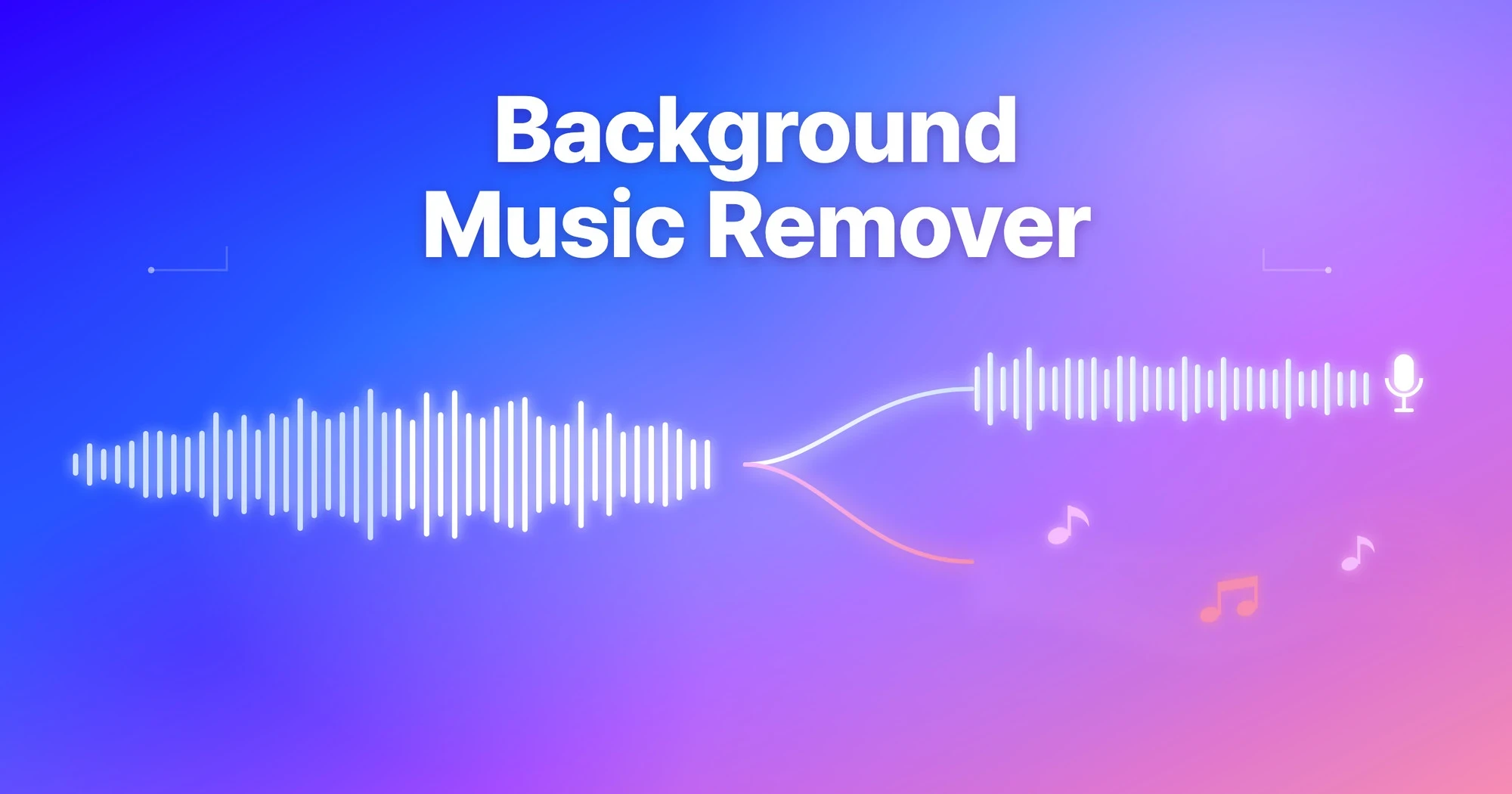
Vocal removers fail on video because they are built for music: they split a song into two stems, vocals and instrumental. A video’s audio is a different problem — dialogue, background music, laughter, room noise, and often several people talking — and a two-stem music tool has no track to put most of those sounds on. What video needs is multi-track audio separation: speech, music, reactions, and ambience, each on its own track, with individual speakers kept apart.
This article explains where the music-tool approach breaks on video files, what “dialogue, music and effects separation” means, and how to check a separation tool’s real quality with published benchmarks instead of marketing claims.
What is a vocal remover actually built for?
A vocal remover is a source-separation tool trained on songs. Tools like LALAL.AI and Moises do this well: give them a finished track, and they return clean vocal and instrumental stems for karaoke, sampling, remixing, or practice. Within that job, they are excellent — this is not a weakness of those products.
The mismatch appears when the input is not a song. A creator’s vlog take, a podcast recording, an interview in a busy café — these files contain speech rather than singing, several simultaneous sound sources, and often more than one voice. A tool with only “vocals” and “instrumental” buckets has to force every sound into one of the two, and the result is speech with laughter smeared into it, or an “instrumental” track that still carries half a conversation.
What does video audio actually contain?
Post-production professionals describe film and TV audio as D/M/E — dialogue, music, and effects — three stems that are mixed separately and delivered separately for exactly this reason: they need to be editable on their own. A video shot on a phone collapses all three (plus room ambience) into one track.
So the practical requirement for video is not “remove vocals.” It is: reconstruct the D/M/E structure from a single mixed file. Perso Dubbing’s Audio Separation splits an upload into speech, background music, reactions (laughter, applause), and ambience — and accepts the video file itself, MP4, MOV, or WebM, with no audio extraction step.
“Music stem tools answer a musician’s question: where are the vocals?” says Untae Bae, Product Owner at Perso Dubbing. “Video creators ask a different one: which of these sounds do I keep? That needs more than two tracks.”
Can any tool separate individual speakers, not just voice from music?
This is the gap almost no vocal remover covers: two or more people talking in the same recording. A music-stem tool puts every voice on the single vocals track, so an interview, a panel, or a duet stays merged.
Multi-speaker separation assigns each speaker their own track. That makes it possible to mute one voice from a two-person recording, rebalance an interviewer against a guest, or clean up overlapping speech in a meeting recording. Perso Dubbing pairs this with transcription — speech recognition covers 100 languages — so separated speakers arrive with usable text as well.
How do you verify separation quality? Ask for benchmarks.
Any tool can claim “studio quality.” Published, per-sample benchmark results are the honest test. Perso Dubbing publishes its numbers on the Audio Separation page:
Benchmark | Measurement Target | Result |
|---|---|---|
MUSDB18 (vocals, median SI-SDR) | Vocal separation quality | Perso Dubbing 10.67 dB vs Meta HTDemucs 8.36 dB — cleaner vocals on 44 of 50 tracks |
VoiceBank-DEMAND (PESQ-WB) | Speech denoising | Statistical tie with DeepFilterNet3, a dedicated denoising specialist |
VoiceBank-DEMAND (vs ElevenLabs) | Speech isolation | Outperforms ElevenLabs Audio Isolation on 92–100% of samples |
Two honest caveats. First, these are controlled benchmark datasets; your noisy rooftop clip is harder than a lab file, which is why previewing every track on your own upload — free for the first 60 seconds — matters more than any table. Second, for pure music stem work like karaoke tracks and remix stems, dedicated music tools remain a strong choice; the difference shows up when the input is a video.
Vocal remover vs. video audio separation: the practical difference
Comparison | Music vocal remover | Video audio separation |
|---|---|---|
Built for | Songs | Footage, podcasts, interviews |
Output tracks | 2 stems (vocals / instrumental) | Speech · music · reactions · ambience |
Multiple speakers | Merged into one vocals track | One track per speaker |
Video file input | Audio must be extracted first | MP4 / MOV / WebM directly |
Keep laughter, remove speech | No | Yes (Background with Reaction mode) |
Selective mix export | Per-stem download | Any track combination as one file |
Frequently asked questions
Q. Can I use a vocal remover on a video file?
A. Most vocal removers require extracting the audio first and then return only two stems, which merges dialogue with laughter and noise. A video-focused separator like Perso Dubbing accepts MP4, MOV, and WebM directly and returns speech, music, reactions, and ambience as separate tracks.
Q. How do I separate two speakers in one recording?
A. Use a tool with per-speaker separation rather than a music stem splitter. Perso Dubbing assigns each detected speaker an individual track, so you can mute, rebalance, or export any single voice from an interview or meeting recording.
Q. Are AI audio separation results actually verifiable?
A. Only if the tool publishes benchmarks. Perso Dubbing publishes per-sample results — including MUSDB18 vocal separation (10.67 dB median SI-SDR vs 8.36 for Meta’s HTDemucs) — and offers the first 60 seconds free so you can test on your own file before trusting any number.
See the full benchmark tables and try it on your own footage — first 60 seconds free, no signup. Open Audio Separation →
Why Vocal Removers Fail on Video (and What to Use Instead)
Vocal removers fail on video because they are built for music: they split a song into two stems, vocals and instrumental. A video’s audio is a different problem — dialogue, background music, laughter, room noise, and often several people talking — and a two-stem music tool has no track to put most of those sounds on. What video needs is multi-track audio separation: speech, music, reactions, and ambience, each on its own track, with individual speakers kept apart.
This article explains where the music-tool approach breaks on video files, what “dialogue, music and effects separation” means, and how to check a separation tool’s real quality with published benchmarks instead of marketing claims.
What is a vocal remover actually built for?
A vocal remover is a source-separation tool trained on songs. Tools like LALAL.AI and Moises do this well: give them a finished track, and they return clean vocal and instrumental stems for karaoke, sampling, remixing, or practice. Within that job, they are excellent — this is not a weakness of those products.
The mismatch appears when the input is not a song. A creator’s vlog take, a podcast recording, an interview in a busy café — these files contain speech rather than singing, several simultaneous sound sources, and often more than one voice. A tool with only “vocals” and “instrumental” buckets has to force every sound into one of the two, and the result is speech with laughter smeared into it, or an “instrumental” track that still carries half a conversation.
What does video audio actually contain?
Post-production professionals describe film and TV audio as D/M/E — dialogue, music, and effects — three stems that are mixed separately and delivered separately for exactly this reason: they need to be editable on their own. A video shot on a phone collapses all three (plus room ambience) into one track.
So the practical requirement for video is not “remove vocals.” It is: reconstruct the D/M/E structure from a single mixed file. Perso Dubbing’s Audio Separation splits an upload into speech, background music, reactions (laughter, applause), and ambience — and accepts the video file itself, MP4, MOV, or WebM, with no audio extraction step.
“Music stem tools answer a musician’s question: where are the vocals?” says Untae Bae, Product Owner at Perso Dubbing. “Video creators ask a different one: which of these sounds do I keep? That needs more than two tracks.”
Can any tool separate individual speakers, not just voice from music?
This is the gap almost no vocal remover covers: two or more people talking in the same recording. A music-stem tool puts every voice on the single vocals track, so an interview, a panel, or a duet stays merged.
Multi-speaker separation assigns each speaker their own track. That makes it possible to mute one voice from a two-person recording, rebalance an interviewer against a guest, or clean up overlapping speech in a meeting recording. Perso Dubbing pairs this with transcription — speech recognition covers 100 languages — so separated speakers arrive with usable text as well.
How do you verify separation quality? Ask for benchmarks.
Any tool can claim “studio quality.” Published, per-sample benchmark results are the honest test. Perso Dubbing publishes its numbers on the Audio Separation page:
Benchmark | Measurement Target | Result |
|---|---|---|
MUSDB18 (vocals, median SI-SDR) | Vocal separation quality | Perso Dubbing 10.67 dB vs Meta HTDemucs 8.36 dB — cleaner vocals on 44 of 50 tracks |
VoiceBank-DEMAND (PESQ-WB) | Speech denoising | Statistical tie with DeepFilterNet3, a dedicated denoising specialist |
VoiceBank-DEMAND (vs ElevenLabs) | Speech isolation | Outperforms ElevenLabs Audio Isolation on 92–100% of samples |
Two honest caveats. First, these are controlled benchmark datasets; your noisy rooftop clip is harder than a lab file, which is why previewing every track on your own upload — free for the first 60 seconds — matters more than any table. Second, for pure music stem work like karaoke tracks and remix stems, dedicated music tools remain a strong choice; the difference shows up when the input is a video.
Vocal remover vs. video audio separation: the practical difference
Comparison | Music vocal remover | Video audio separation |
|---|---|---|
Built for | Songs | Footage, podcasts, interviews |
Output tracks | 2 stems (vocals / instrumental) | Speech · music · reactions · ambience |
Multiple speakers | Merged into one vocals track | One track per speaker |
Video file input | Audio must be extracted first | MP4 / MOV / WebM directly |
Keep laughter, remove speech | No | Yes (Background with Reaction mode) |
Selective mix export | Per-stem download | Any track combination as one file |
Frequently asked questions
Q. Can I use a vocal remover on a video file?
A. Most vocal removers require extracting the audio first and then return only two stems, which merges dialogue with laughter and noise. A video-focused separator like Perso Dubbing accepts MP4, MOV, and WebM directly and returns speech, music, reactions, and ambience as separate tracks.
Q. How do I separate two speakers in one recording?
A. Use a tool with per-speaker separation rather than a music stem splitter. Perso Dubbing assigns each detected speaker an individual track, so you can mute, rebalance, or export any single voice from an interview or meeting recording.
Q. Are AI audio separation results actually verifiable?
A. Only if the tool publishes benchmarks. Perso Dubbing publishes per-sample results — including MUSDB18 vocal separation (10.67 dB median SI-SDR vs 8.36 for Meta’s HTDemucs) — and offers the first 60 seconds free so you can test on your own file before trusting any number.
See the full benchmark tables and try it on your own footage — first 60 seconds free, no signup. Open Audio Separation →
Why Vocal Removers Fail on Video (and What to Use Instead)
Vocal removers fail on video because they are built for music: they split a song into two stems, vocals and instrumental. A video’s audio is a different problem — dialogue, background music, laughter, room noise, and often several people talking — and a two-stem music tool has no track to put most of those sounds on. What video needs is multi-track audio separation: speech, music, reactions, and ambience, each on its own track, with individual speakers kept apart.
This article explains where the music-tool approach breaks on video files, what “dialogue, music and effects separation” means, and how to check a separation tool’s real quality with published benchmarks instead of marketing claims.
What is a vocal remover actually built for?
A vocal remover is a source-separation tool trained on songs. Tools like LALAL.AI and Moises do this well: give them a finished track, and they return clean vocal and instrumental stems for karaoke, sampling, remixing, or practice. Within that job, they are excellent — this is not a weakness of those products.
The mismatch appears when the input is not a song. A creator’s vlog take, a podcast recording, an interview in a busy café — these files contain speech rather than singing, several simultaneous sound sources, and often more than one voice. A tool with only “vocals” and “instrumental” buckets has to force every sound into one of the two, and the result is speech with laughter smeared into it, or an “instrumental” track that still carries half a conversation.
What does video audio actually contain?
Post-production professionals describe film and TV audio as D/M/E — dialogue, music, and effects — three stems that are mixed separately and delivered separately for exactly this reason: they need to be editable on their own. A video shot on a phone collapses all three (plus room ambience) into one track.
So the practical requirement for video is not “remove vocals.” It is: reconstruct the D/M/E structure from a single mixed file. Perso Dubbing’s Audio Separation splits an upload into speech, background music, reactions (laughter, applause), and ambience — and accepts the video file itself, MP4, MOV, or WebM, with no audio extraction step.
“Music stem tools answer a musician’s question: where are the vocals?” says Untae Bae, Product Owner at Perso Dubbing. “Video creators ask a different one: which of these sounds do I keep? That needs more than two tracks.”
Can any tool separate individual speakers, not just voice from music?
This is the gap almost no vocal remover covers: two or more people talking in the same recording. A music-stem tool puts every voice on the single vocals track, so an interview, a panel, or a duet stays merged.
Multi-speaker separation assigns each speaker their own track. That makes it possible to mute one voice from a two-person recording, rebalance an interviewer against a guest, or clean up overlapping speech in a meeting recording. Perso Dubbing pairs this with transcription — speech recognition covers 100 languages — so separated speakers arrive with usable text as well.
How do you verify separation quality? Ask for benchmarks.
Any tool can claim “studio quality.” Published, per-sample benchmark results are the honest test. Perso Dubbing publishes its numbers on the Audio Separation page:
Benchmark | Measurement Target | Result |
|---|---|---|
MUSDB18 (vocals, median SI-SDR) | Vocal separation quality | Perso Dubbing 10.67 dB vs Meta HTDemucs 8.36 dB — cleaner vocals on 44 of 50 tracks |
VoiceBank-DEMAND (PESQ-WB) | Speech denoising | Statistical tie with DeepFilterNet3, a dedicated denoising specialist |
VoiceBank-DEMAND (vs ElevenLabs) | Speech isolation | Outperforms ElevenLabs Audio Isolation on 92–100% of samples |
Two honest caveats. First, these are controlled benchmark datasets; your noisy rooftop clip is harder than a lab file, which is why previewing every track on your own upload — free for the first 60 seconds — matters more than any table. Second, for pure music stem work like karaoke tracks and remix stems, dedicated music tools remain a strong choice; the difference shows up when the input is a video.
Vocal remover vs. video audio separation: the practical difference
Comparison | Music vocal remover | Video audio separation |
|---|---|---|
Built for | Songs | Footage, podcasts, interviews |
Output tracks | 2 stems (vocals / instrumental) | Speech · music · reactions · ambience |
Multiple speakers | Merged into one vocals track | One track per speaker |
Video file input | Audio must be extracted first | MP4 / MOV / WebM directly |
Keep laughter, remove speech | No | Yes (Background with Reaction mode) |
Selective mix export | Per-stem download | Any track combination as one file |
Frequently asked questions
Q. Can I use a vocal remover on a video file?
A. Most vocal removers require extracting the audio first and then return only two stems, which merges dialogue with laughter and noise. A video-focused separator like Perso Dubbing accepts MP4, MOV, and WebM directly and returns speech, music, reactions, and ambience as separate tracks.
Q. How do I separate two speakers in one recording?
A. Use a tool with per-speaker separation rather than a music stem splitter. Perso Dubbing assigns each detected speaker an individual track, so you can mute, rebalance, or export any single voice from an interview or meeting recording.
Q. Are AI audio separation results actually verifiable?
A. Only if the tool publishes benchmarks. Perso Dubbing publishes per-sample results — including MUSDB18 vocal separation (10.67 dB median SI-SDR vs 8.36 for Meta’s HTDemucs) — and offers the first 60 seconds free so you can test on your own file before trusting any number.
See the full benchmark tables and try it on your own footage — first 60 seconds free, no signup. Open Audio Separation →
Continue Reading
Browse All